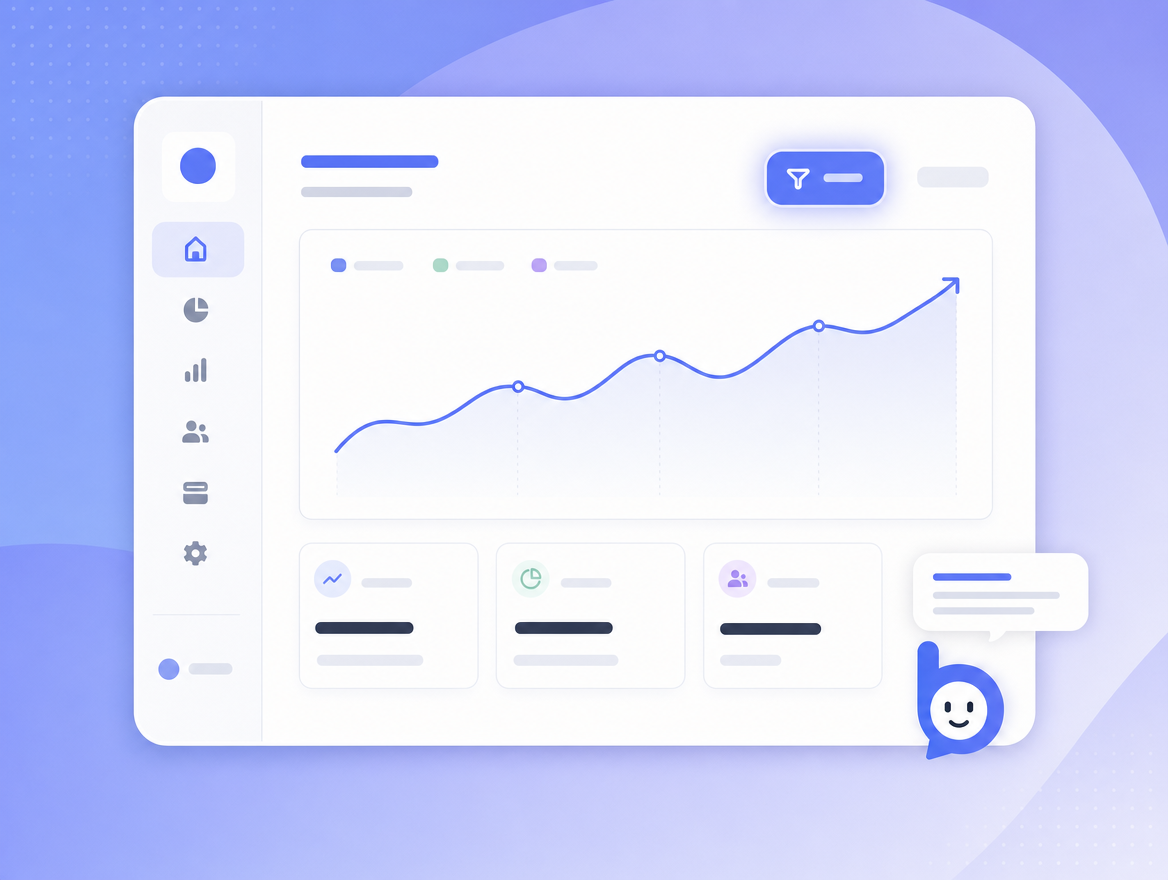
 SaaS dashboards
Onboard new accounts without a tour overlay
Replace the brittle 10-step product tour with a Bruno that answers questions in
context. New customers ask "how do I invite my team?" and Bruno highlights
the right button right where it lives - including across navigations like settings
-> team -> invite.
- "How do I export reports as a CSV?"
- "Can you set up Slack notifications for me?"
- "Where is the audit log?"
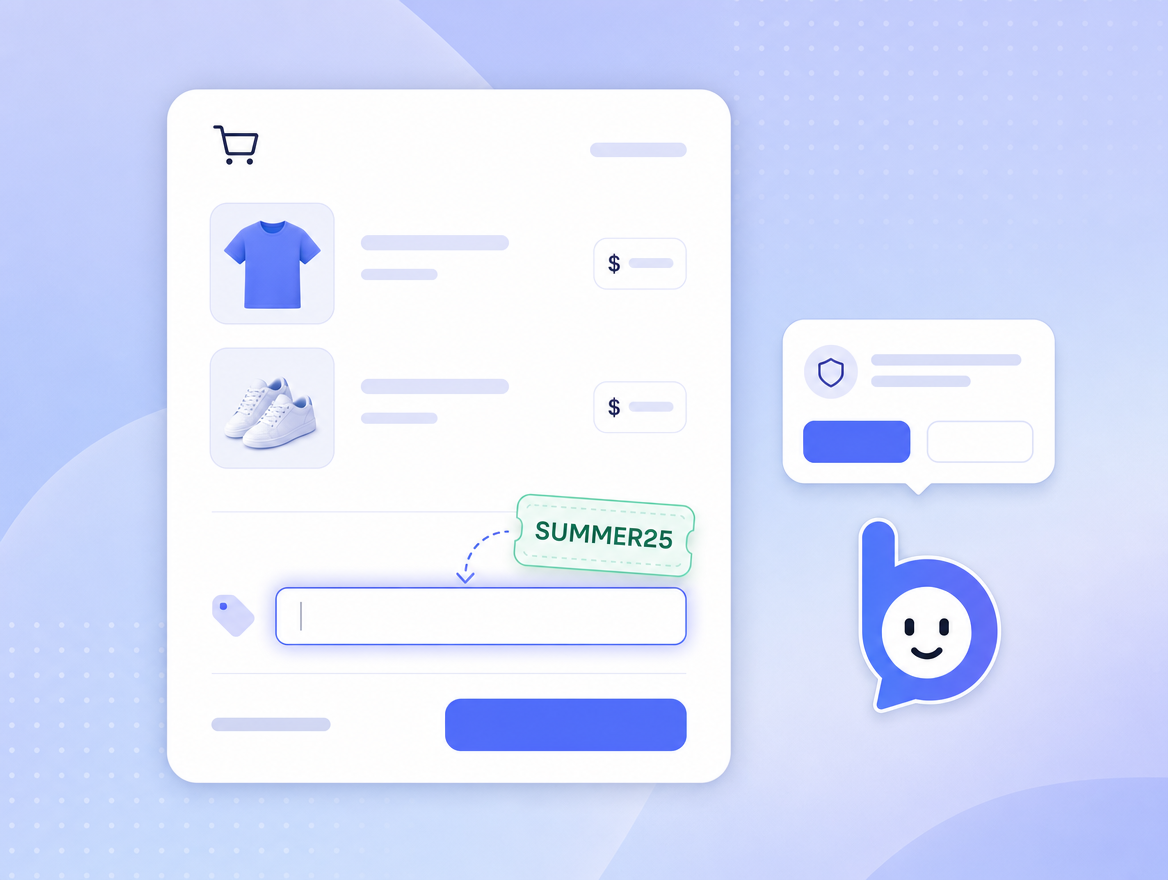 E-commerce
Help shoppers complete checkout
Bruno answers product, shipping, and returns questions from your help-center PDFs.
When a shopper is stuck applying a coupon, Bruno offers to fill the field for
them - with consent and a clear preview.
- "What's your return window?"
- "Apply SUMMER25 to my cart"
- "Where do I add a gift message?"
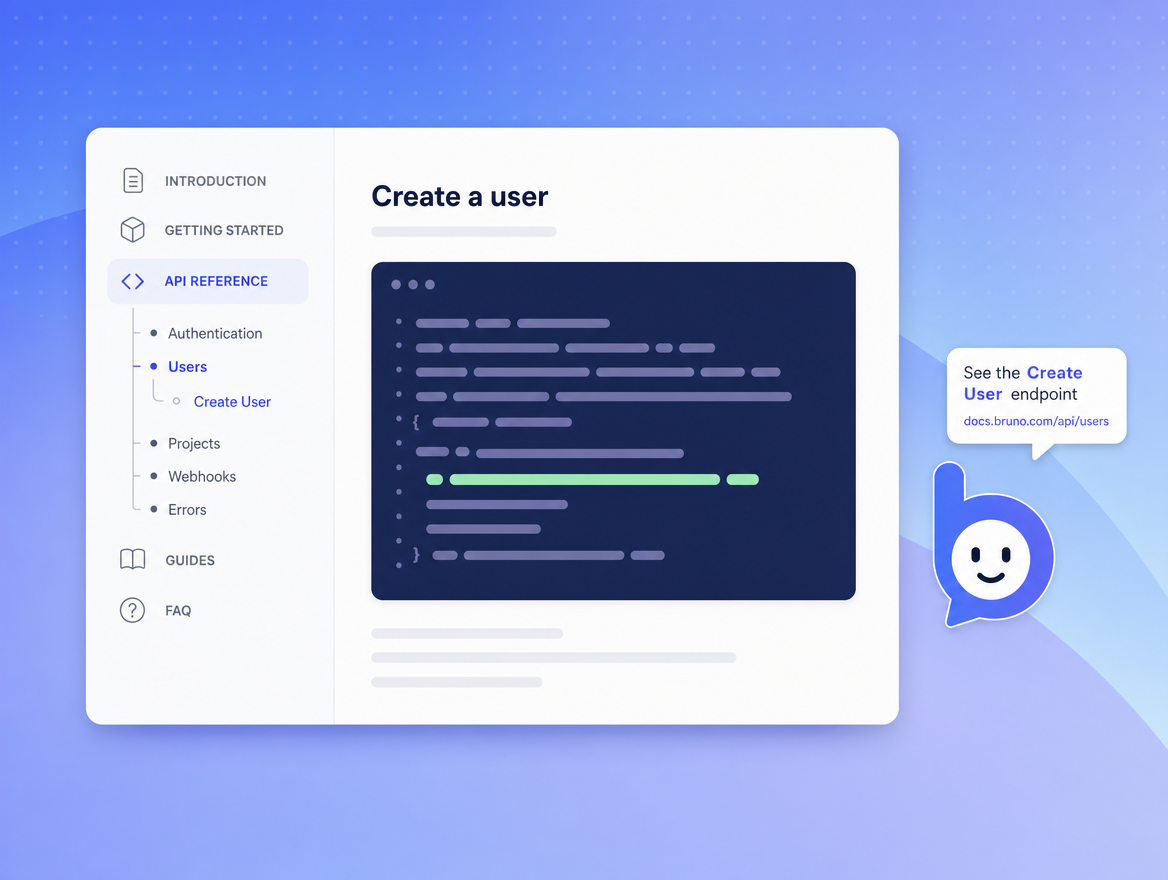 Documentation portals
A reading-aware companion for your docs
Bruno reads the doc page the visitor is on plus your full docs export. It can jump
them to the relevant section, highlight a code block, or open the right reference
page on the same site.
- "Show me the POST /webhooks reference"
- "What does idempotency-key do?"
- "Open the example for retries"
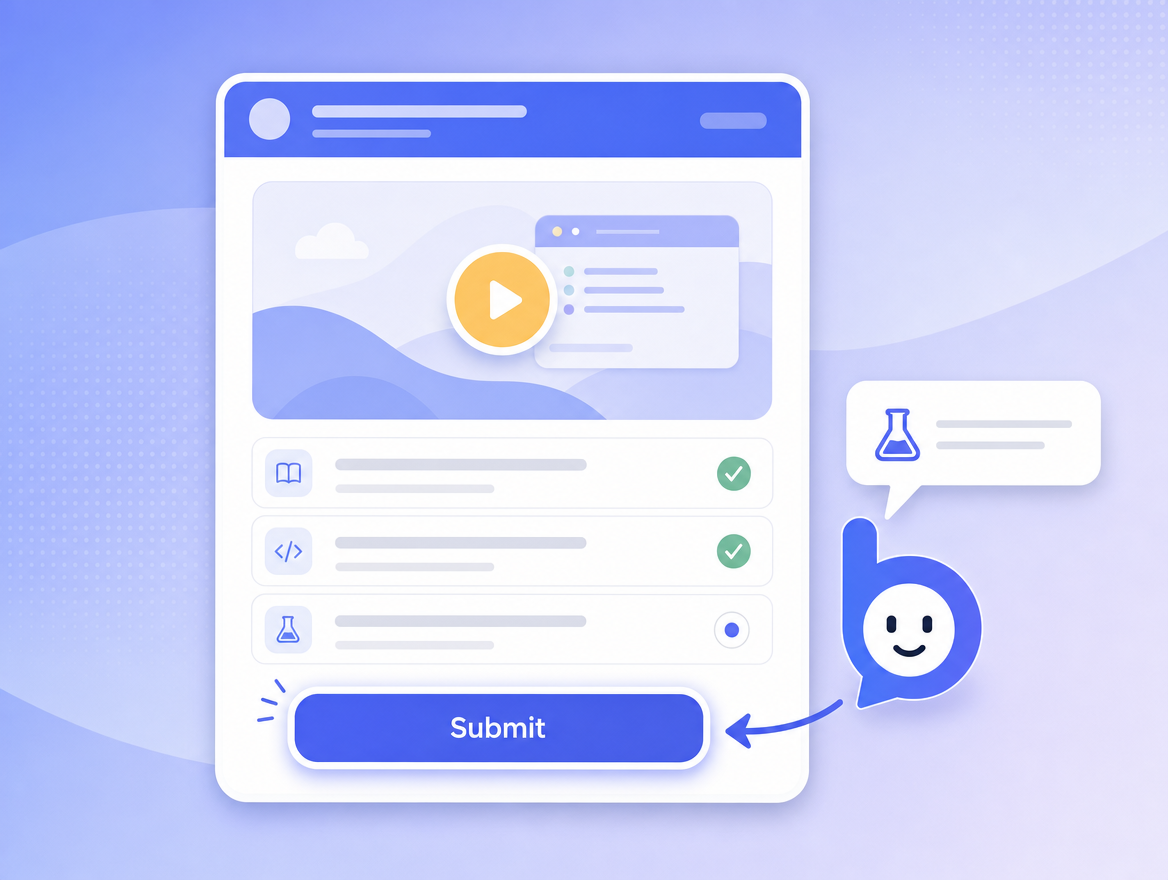 EdTech
Guide students through assignments
Bruno answers from your syllabus, course material, and platform docs. It can point
students to the right sub-page (a quiz, a video, a peer-review form) without
breaking your platform's pedagogy.
- "Where do I submit Lab 4?"
- "What's the deadline for Module 7?"
- "How do I cite a source?"
 Internal tools
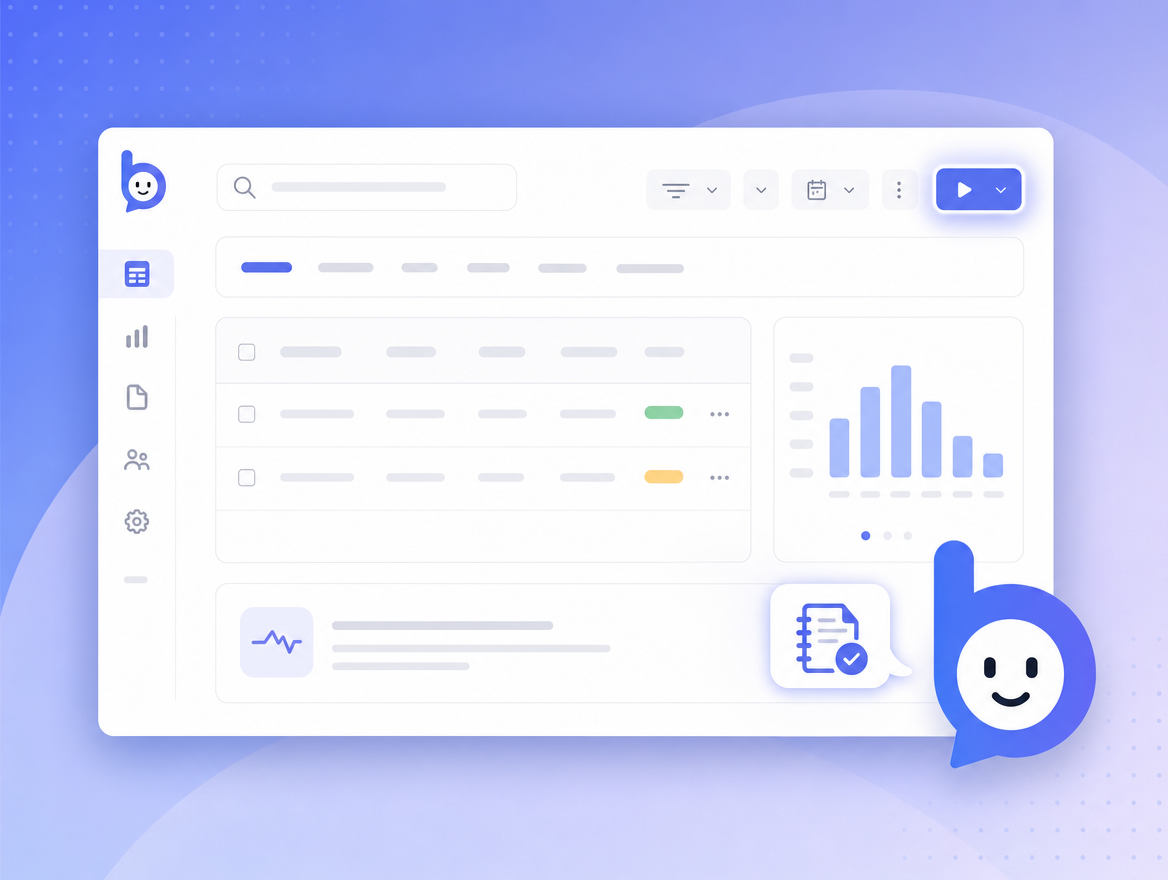
Reduce the "how do I..." Slack ping
Drop Bruno into your internal admin or BI tool, point it at your runbooks, and let
new joiners self-serve. Hybrid actions are perfect here - Bruno can pre-fill rare
fields, jump to the right query, or open the matching dashboard.
- "Run the daily reconciliation"
- "Find last week's MRR by cohort"
- "Open the runbook for stuck queues"
 Self-serve onboarding
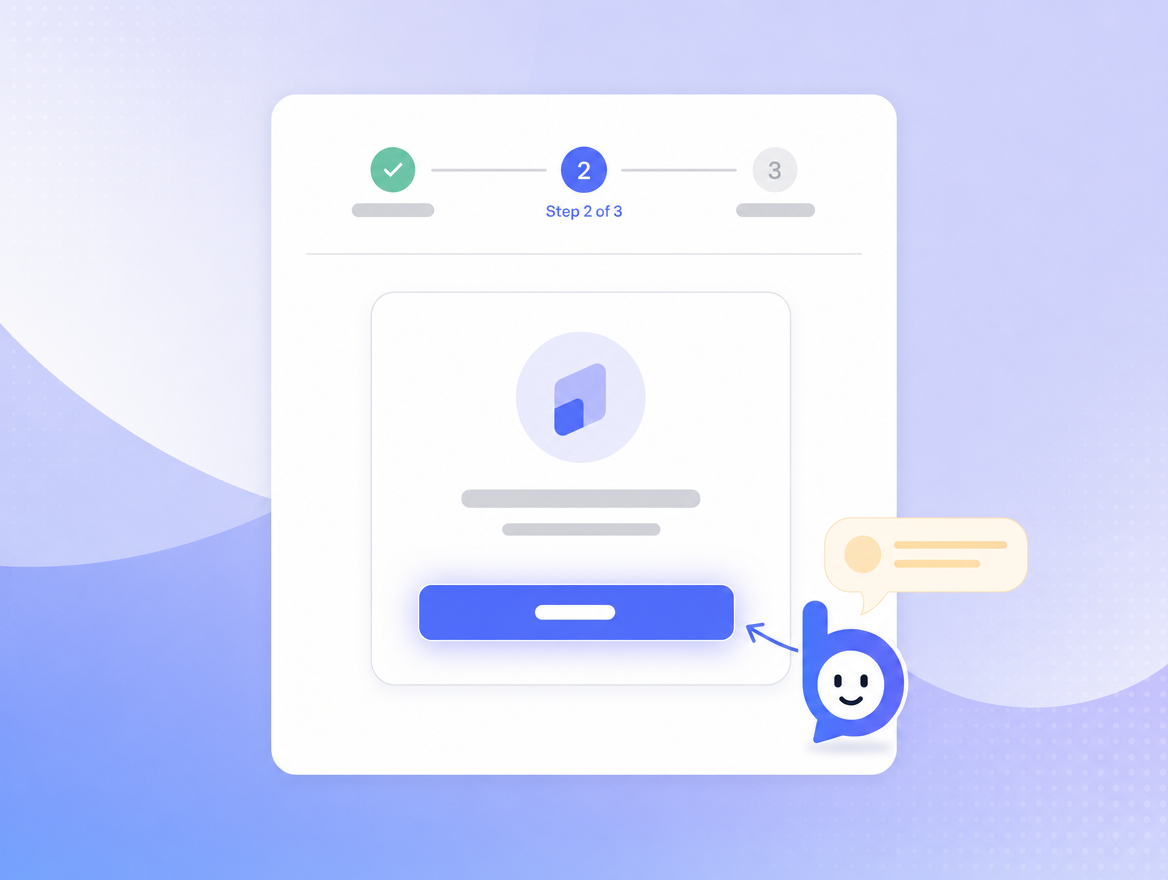
Convert "I'll come back later" into "I just did it"
Free trial drop-off is usually about confusion, not interest. Bruno turns the
first-mile from a hunt into a conversation. With consent it can connect a
Stripe account, install a sample dataset, or invite a teammate.
- "Connect Stripe for me"
- "Install the sample data"
- "Walk me through my first deploy"