
Page-aware highlighting
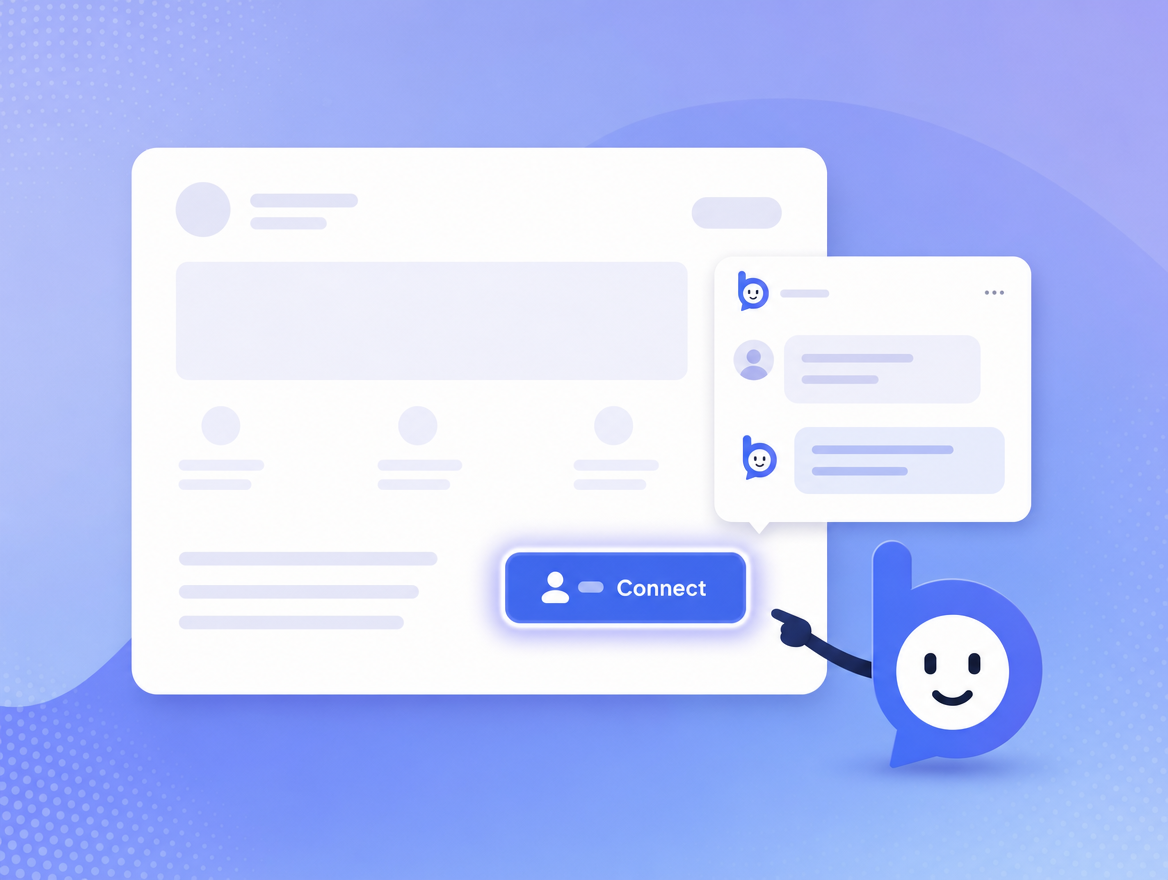
Bruno extracts a structured outline of the current page on every load and on every SPA navigation. It knows the headings, the visible interactive controls, and the same-origin links on the page. When a visitor asks "where do I export my invoices?", Bruno can point at the exact button with a soft outline and a one-line teaching hint that follows the cursor.
Highlights respect prefers-reduced-motion, dark mode, and your CSP.
The widget renders inside a Shadow DOM so its styles can never leak into your app.
Grounded explanations (RAG)
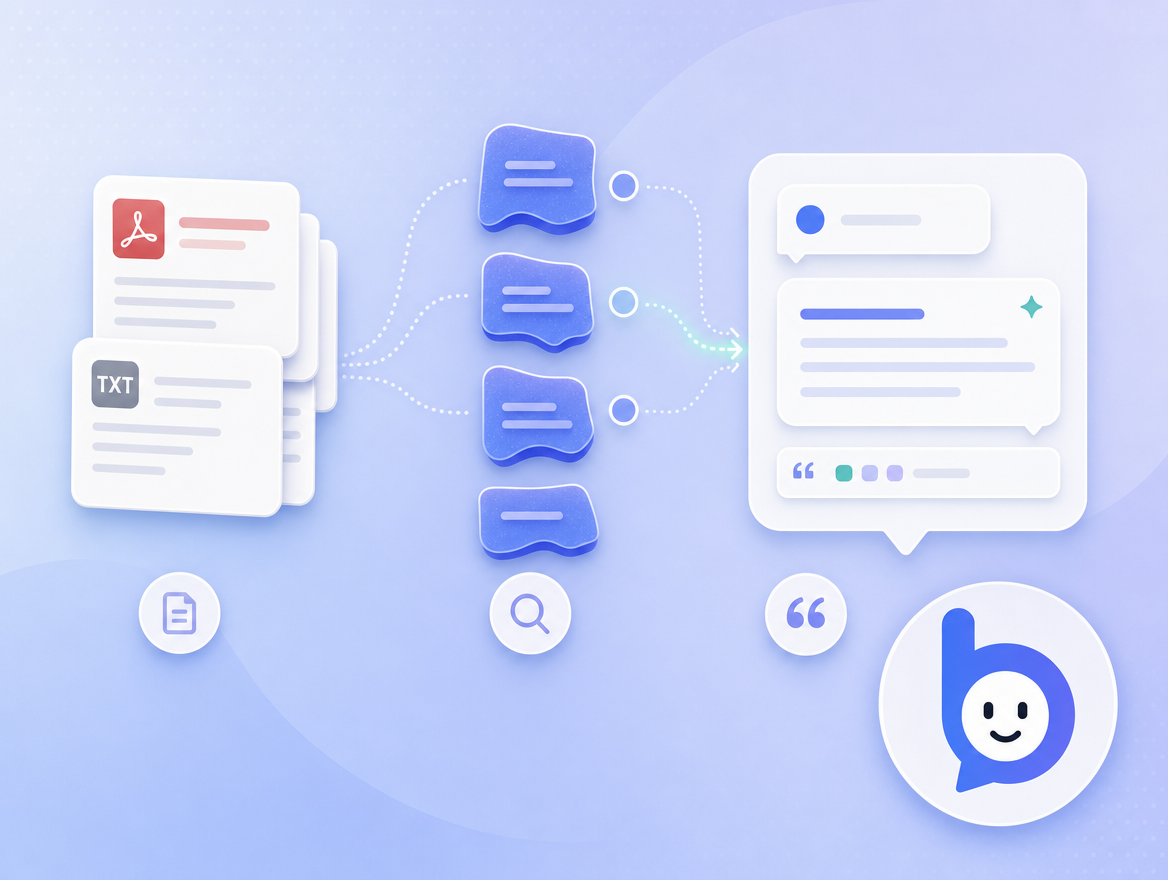
Answers are generated by an LLM but grounded in two sources: (1) your uploaded knowledge base and (2) the live page the visitor is on. We chunk and embed your files into a per-website vector index, retrieve the most relevant passages on every turn, and pass them to the model alongside the live page summary.
Bruno is honest about uncertainty. If the knowledge base does not cover a topic, Bruno will say so and either point to a help page that does, or escalate the visitor to your support inbox.
- Hybrid retrieval: vector + lexical, reranked.
- Per-website prompt overrides from the admin UI.
- No data is used to train any model. Ever.
Hybrid actions with consent
Most chatbots can only talk. Bruno can also do. When the LLM
decides an action would help, it calls a tool like propose_action
with a CSS selector, an action type (click, fill,
select, submit, scroll), and a
human-readable reason.
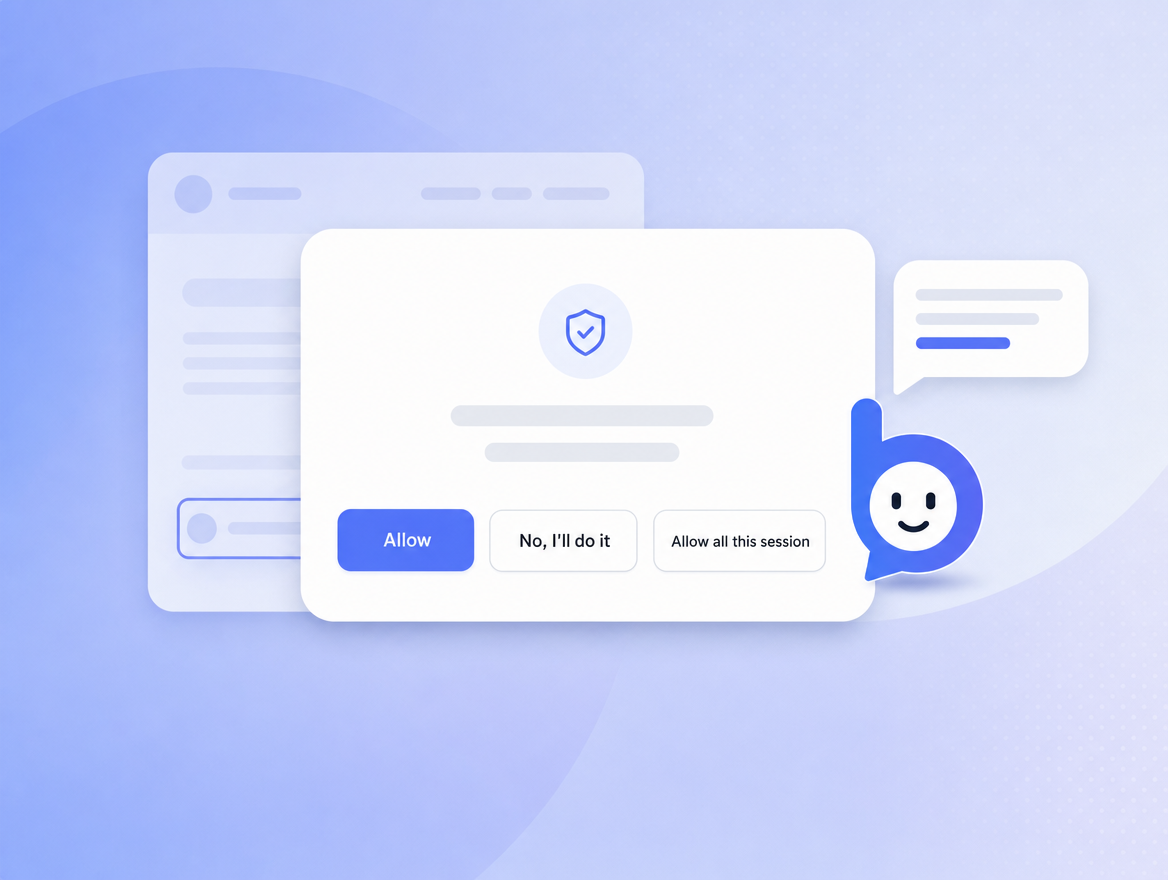
The widget then shows a consent card in chat: "Bruno wants to click the Export button for you - to download your invoices as CSV." The visitor can:
- Allow - Bruno previews the element for ~3 seconds, then performs the action.
- "No, I'll do it" - Bruno turns the highlight into a teaching hint and steps back.
- "Allow all this session" - opt-in, persists only for the current session.
Cross-origin navigations are always declined. Password fields are explicitly blocked. Every proposed action and visitor decision is recorded server-side so we can investigate any incident on request.
Multi-page tasks
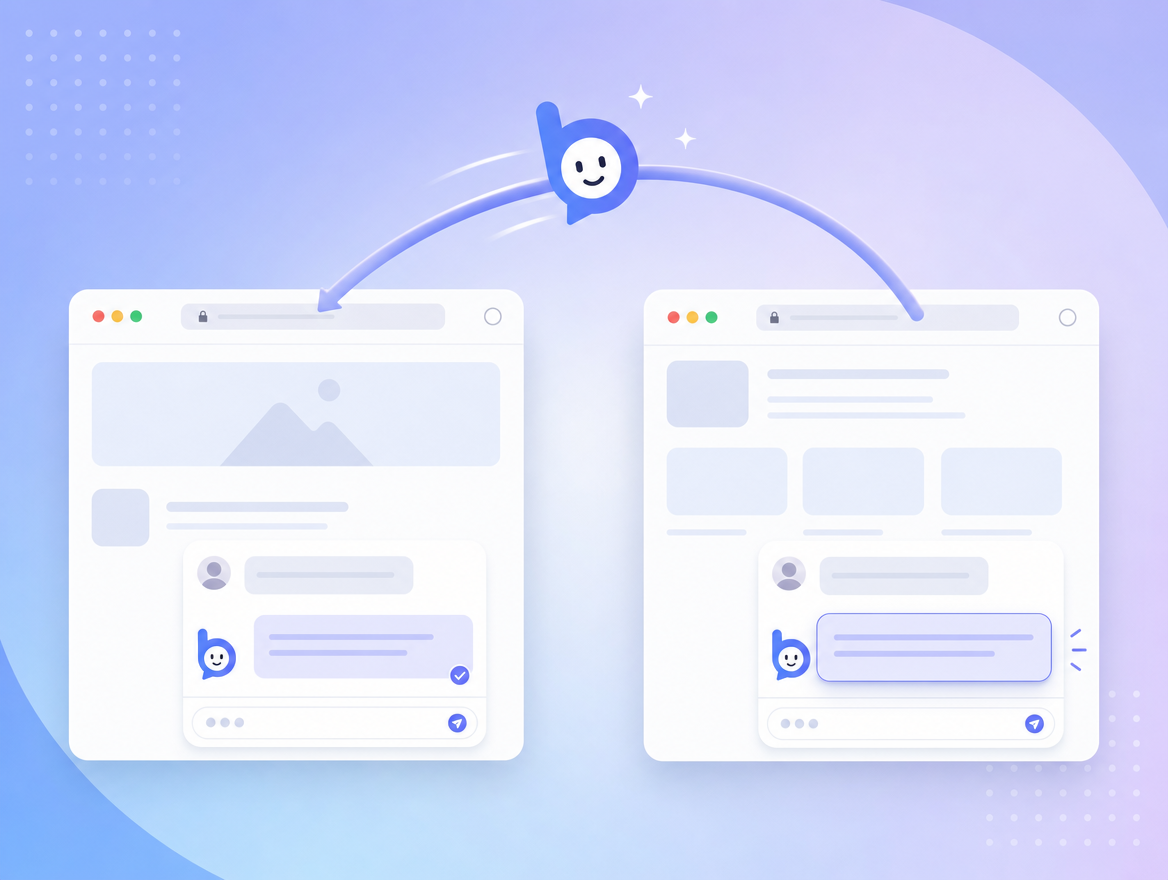
When completing a task means going to another page (for example, "open my billing
history" -> click a link -> arrive on /billing), Bruno carries the
original request across the navigation. After the new page settles, Bruno re-reads
the page context and finishes the job - or asks the visitor what to do next.
There's a hard cap on continuations (5 hops by default) so an unhelpful loop never drains your budget.
Knowledge ingestion
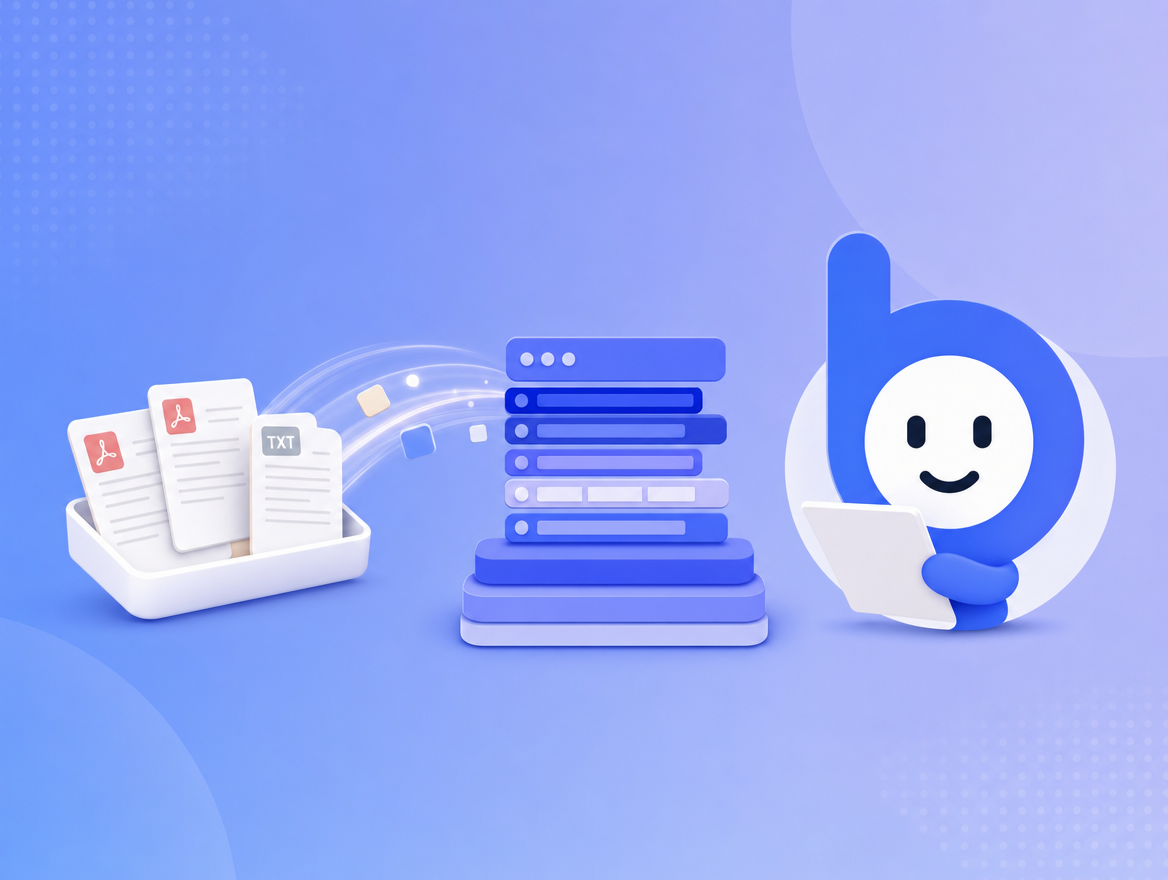
In your dashboard, drag in PDFs, markdown, or plain text. Bruno's worker will parse, chunk, embed, and re-index in the background. Re-uploads are deduplicated at the chunk level, so revisions don't bloat your index.
- PDFs are extracted page-by-page, with headings preserved.
- Markdown respects fenced code, tables, and headings.
- Text is chunked at semantic boundaries (paragraph + sentence).
Files are stored in managed object storage, encrypted at rest. Embeddings live in a managed vector index, scoped per website.
Customization & brand
Bruno carries your brand. From the dashboard you can set:
- Brand name (replaces "Bruno" in the chat header).
- Greeting text.
- Hidden URLs - patterns where Bruno won't render.
- Per-website system prompt overrides (Corporate plan).
- "Powered by Bruno" link visibility - can be hidden on Growth and above.
Visual theming inherits from your site only when you ask for it - by default, Bruno's chat UI is opinionated and accessible across host pages.
Usage & billing visibility
Every conversation is recorded so we can show you what's running through your budget. From the dashboard you can:
- See per-website rollups - conversations, messages, and AI tokens used.
- See each website's cost at your plan's per-token rate, plus current-period token usage against your plan allowance.
- Manage subscription plans and top-up balances per website.
- Delete a website to permanently remove its conversations, messages, and knowledge.
Conversation browsing, per-turn retrieval inspection, and CSV exports are on our roadmap and aren't available yet. Need a one-off export or deletion in the meantime? Email help@bruno.support.
Integration surface
One script tag is enough to install Bruno: